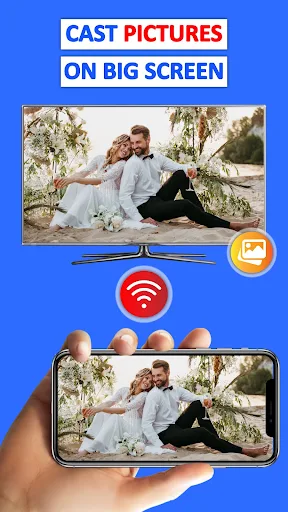
Put phone content on a TV
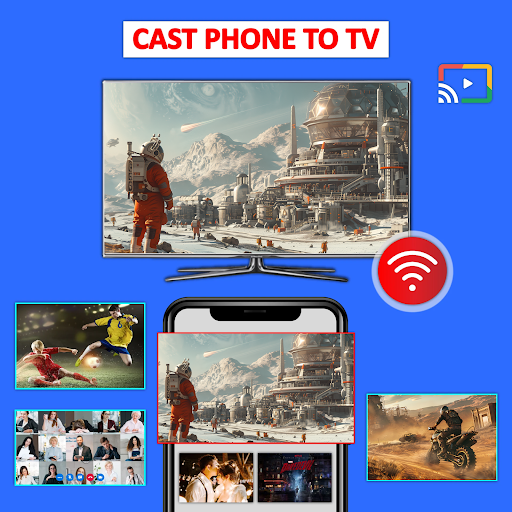
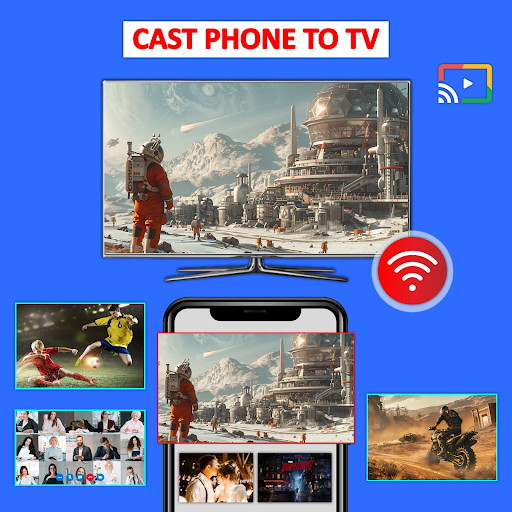
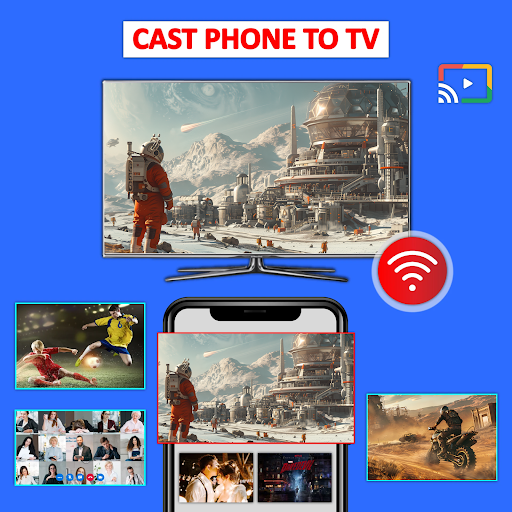
Cast Phone to TV, Chromecast mirrors a phone screen or sends photos and videos to a larger display. It is for people who want to share gallery content, watch video, show a presentation or document, or play a mobile game on a compatible TV rather than pass a phone around.
What it can share
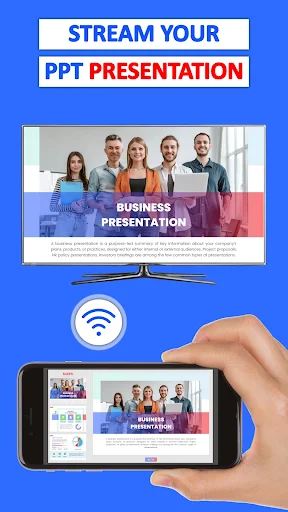
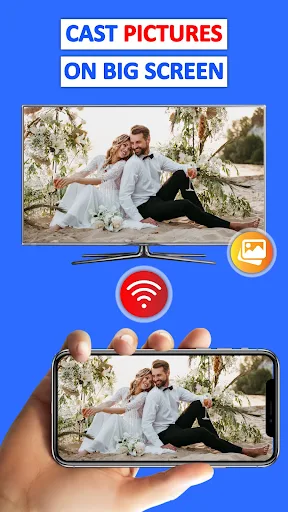
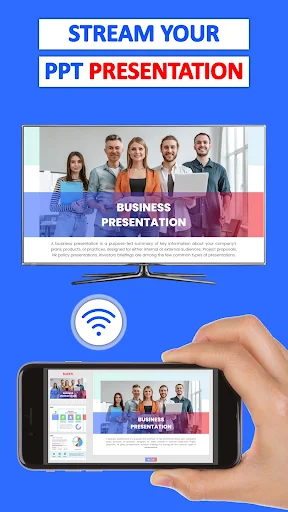
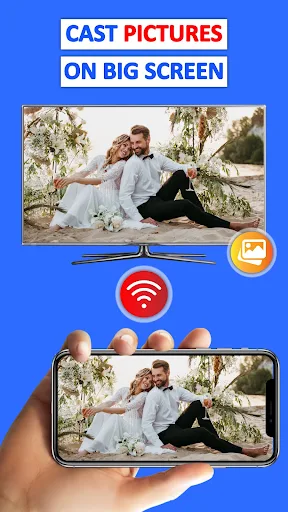
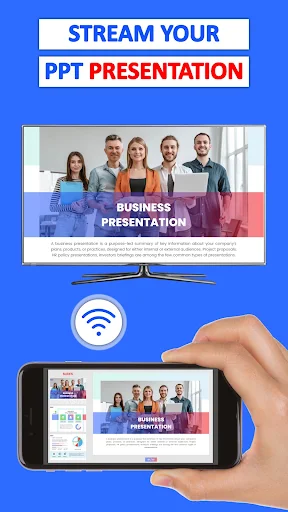
The app describes support for photos, videos, PDFs, e-books and other documents, as well as full-screen mirroring. That makes it useful for more than movie playback: a presentation or a set of family photos can also be viewed on the TV. Screen mirroring shows the phone display, while casting selected media lets the TV show that content directly.
Compatibility is the main condition. The TV or receiving device needs to support wireless display or Chromecast, and the phone and TV need to be connected to the same Wi-Fi network. If your setup does not meet those requirements, the app is unlikely to help.
Worth keeping?
This is a focused utility for occasional sharing at home or in a meeting, not a general-purpose media library. Its usefulness depends on having a compatible screen nearby; without one, its core job has little value. Consider whether you will actually use TV mirroring before giving it space on your phone.
At a glance
Cast Phone to TV, Chromecast is published by Generation z apps. It has a 3.96 out of 5 rating from 55,820 reviews and more than 10 million installs. Those figures suggest wide use, but the rating is not a guarantee that it will work with every TV or Wi-Fi setup. Check device compatibility against your own equipment.